
Manage
The Manage module serves as the control centre for Super Admin users, enabling them to oversee and configure critical platform-wide settings. From device management and rule configuration to organization-level settings, this module provides full operational control.
Note: Only users with Super Admin access can view and interact with the Manage module.
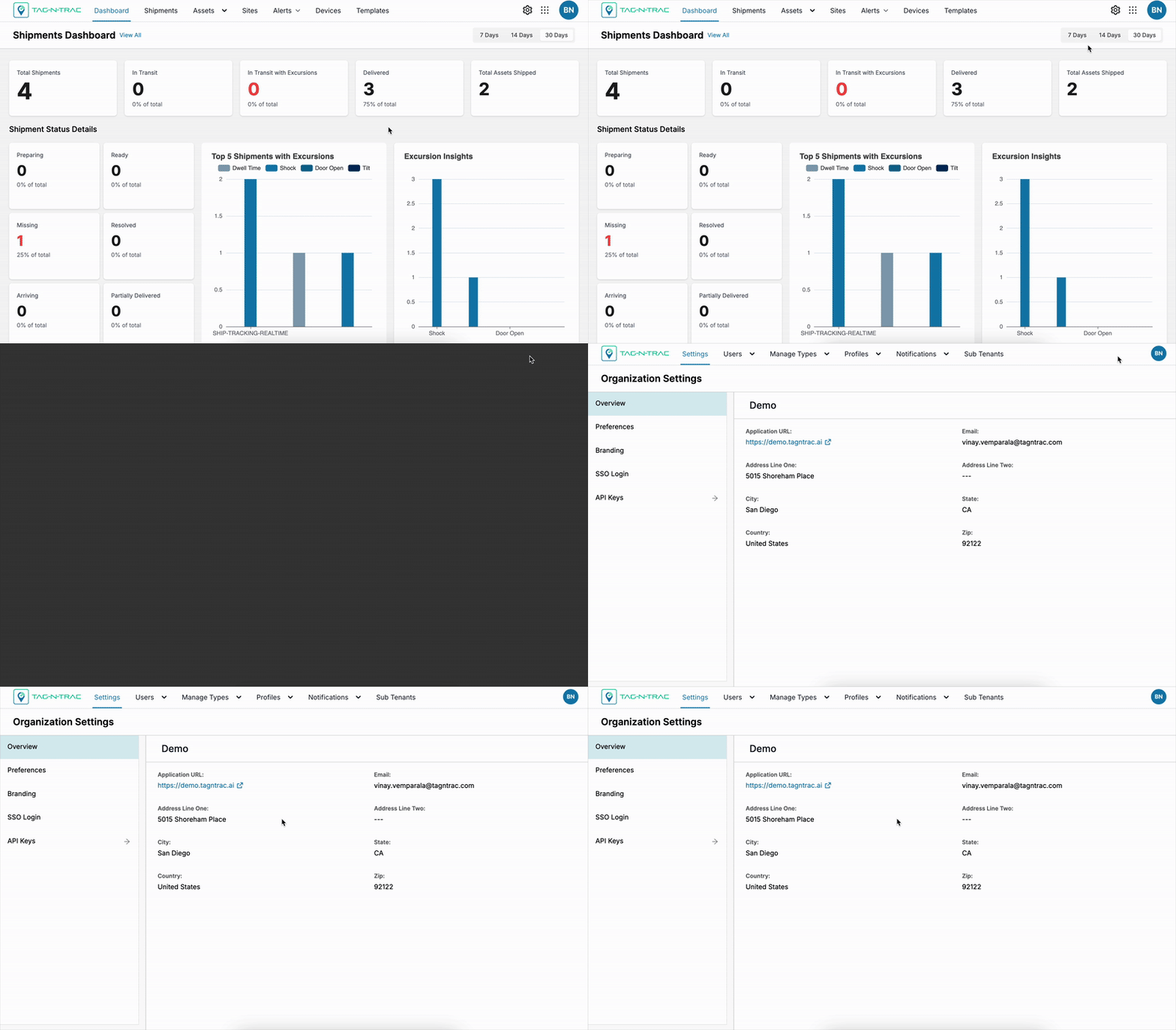
Overview
The Manage module includes the following submodules, each focused on platform-wide configuration and control:
- Settings – Configure system preferences, branding, SSO login, API keys, and view overall system status.
- Users – Manage user accounts, profiles, roles, and access levels.
- Manage Types – Define asset types, site types, and carriers used across the platform.
- Profiles – Create and manage device and temperature profiles.
- Notifications – Set up and manage email and web hook based alerts.
- Subtenants – Create and administer subtenant organizations within the platform.
- Routes – Define shipment routes to use in shipment legs when creating shipments.
Updated 9 months ago
Did this page help you?